9. Taskbar
The taskbar is an important desktop element that provides access to applications and helps users move between open windows.
In classic Windows desktop environments, the taskbar is usually displayed along the bottom of the screen by default.
Its functions include:
- Displaying buttons or icons for open applications.
- Helping users switch between running programs.
- Providing access to the Start Menu in older Windows versions.
- Displaying notification and system-status icons.
- Providing access to certain system functions.
For example, suppose a user opens a word processor and a web browser. Both applications may appear on the taskbar. The user can select the appropriate taskbar button to switch between them.
The appearance and available features of the taskbar depend on the operating system version.
10. How to Start a Program in Windows XP
Starting a program means opening an application so that it can be used.
For example, Paint is a drawing application that allows users to create and edit pictures.
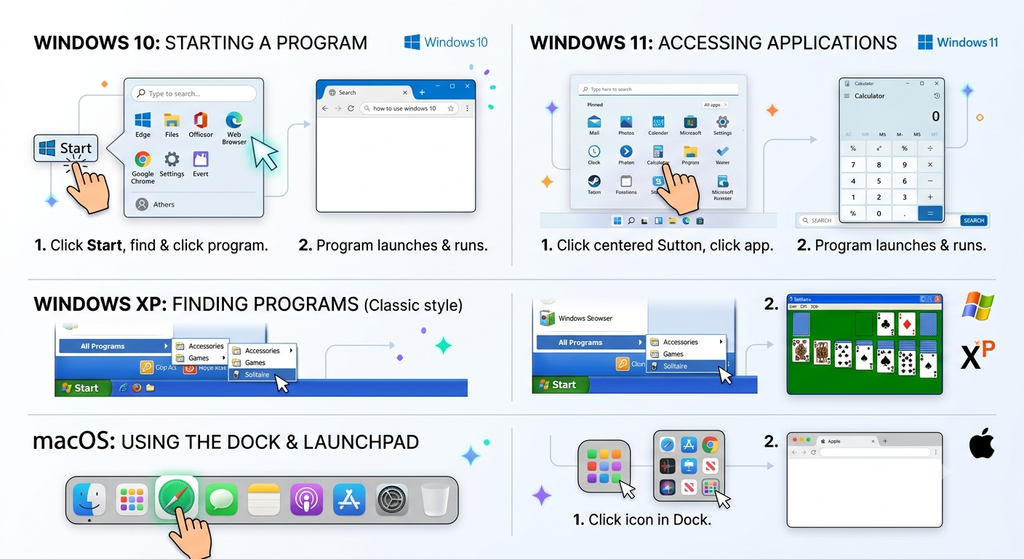
According to the Windows XP navigation used in the course, the general steps to open Paint are:
- Click the Start button.
- Select All Programs.
- Open the Accessories folder.
- Select Paint.
Paint opens in a window, and the user can begin drawing.
These steps describe the classic Windows XP environment. Application locations may differ in modern operating systems.