

11. How to Quit a Program
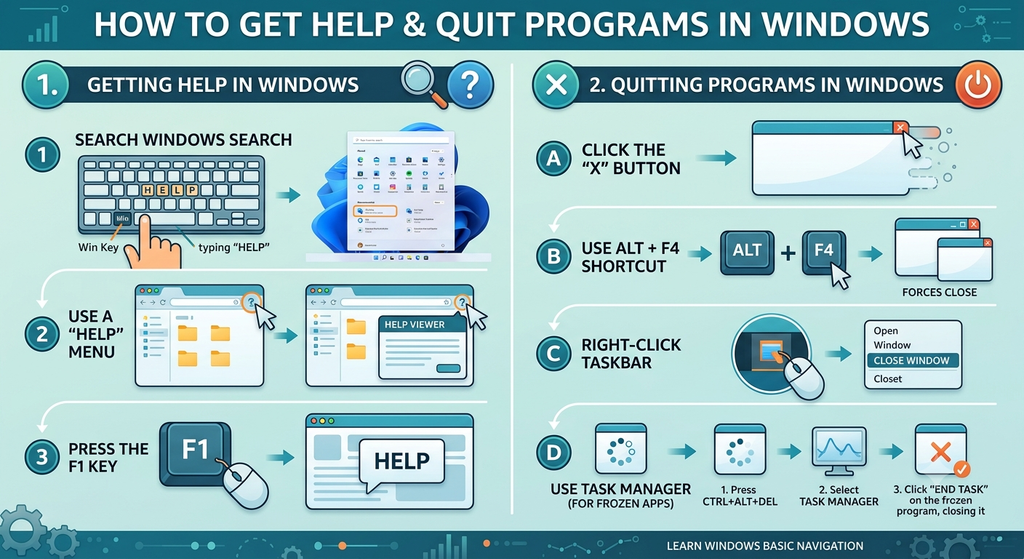
Quitting a program means closing an application when the user has finished working with it.
The common methods in a graphical Windows environment are:
Method 1: Using the Close button
- Open the application.
- Locate the Close button, usually marked with an X.
- Click the button to close the application window.
Method 2: Using the File menu
- Open the application’s File menu.
- Select Close or Exit, depending on the available option.
Before closing a document, users should save any changes they want to keep. If unsaved work exists, the application may display a prompt asking whether the changes should be saved.
12. Getting Help in Windows
Help and Support tools provide information about using the operating system and solving common problems.
Users can consult help resources to understand system features, learn how to complete tasks, and troubleshoot issues.
In Windows XP, the course material describes accessing help through the Start Menu and the Help and Support option.
Typical help features include:
- Search: Finds information using keywords.
- Index: Helps locate topics arranged alphabetically.
- History: Shows previously viewed help pages.
- Favorites: Keeps useful help topics available for future reference.
The exact help interface depends on the operating system version. Modern versions of Windows provide help through current support tools, settings, and online resources.


