

Introduction
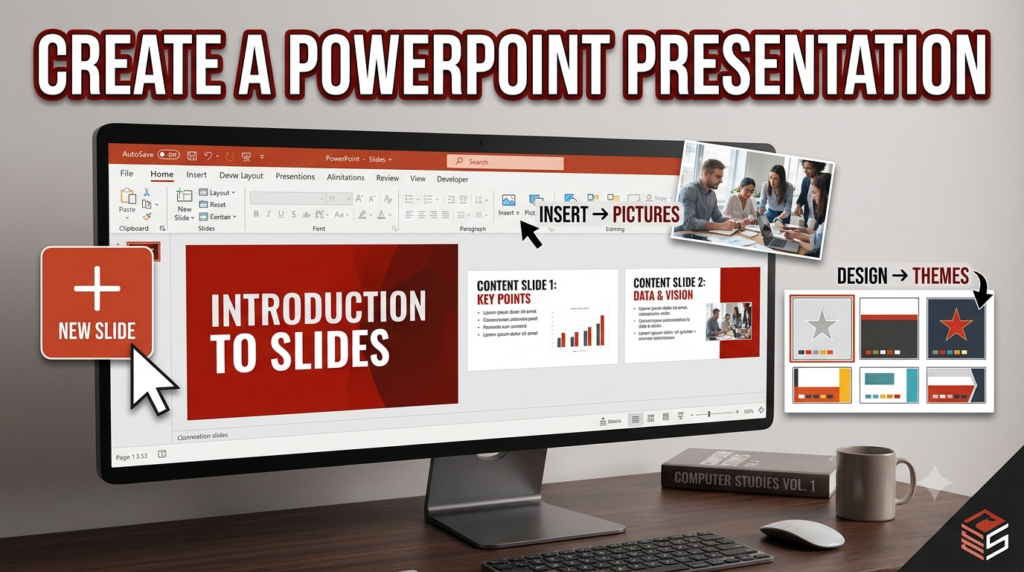
Microsoft PowerPoint provides several methods for creating a presentation. One common method is to create a Blank Presentation, which allows users to build a presentation from scratch by adding slides, text, images, charts, and other elements according to their requirements.
Steps to Create a Presentation Using a Blank Presentation
- Open Microsoft PowerPoint: Start the PowerPoint application on your computer.
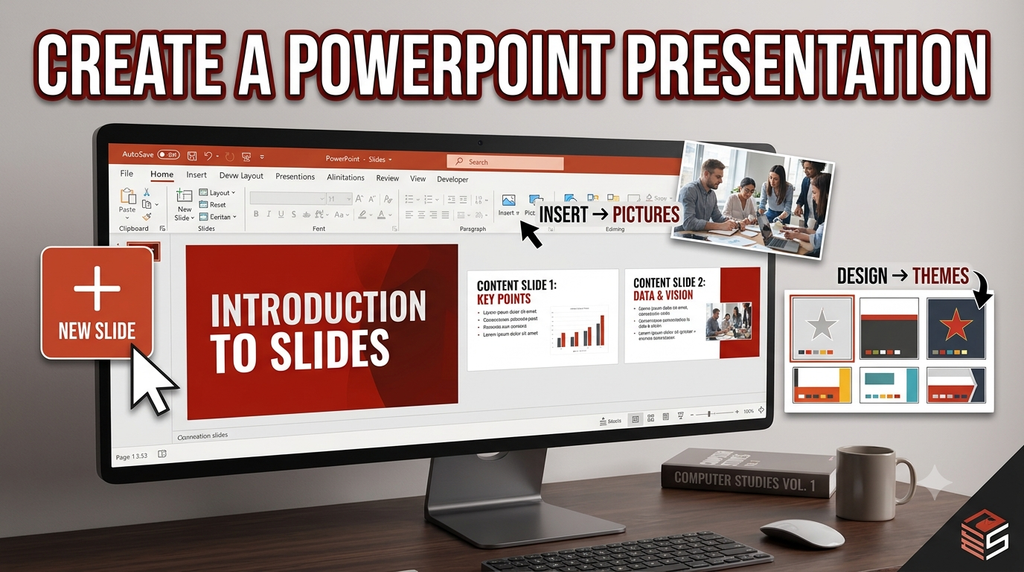
- Select Blank Presentation: Choose the Blank Presentation option to begin with an empty presentation.
- Create the Title Slide: Enter the presentation title and subtitle in the provided placeholders.
- Add New Slides: Go to the Home tab and click New Slide to add more slides.
- Insert Content: Add text, pictures, tables, charts, or other required objects to the slides.
- Apply a Design Theme: Use the Design tab to select a suitable theme, background, and color scheme.
- Save the Presentation: Click File → Save As, enter a file name, choose a location, and save the presentation.
- Run the Slide Show: Open the Slide Show tab and select From Beginning to display the presentation.
Conclusion
Creating a presentation using the Blank Presentation method gives users control over the content and design of every slide. It is suitable when a presentation needs to be prepared according to specific requirements.


