


What Is the Command in the Menu Bar to Change Text to Title Case?
Introduction

Title Case is a text-formatting feature that capitalizes the first letter of most words in a phrase, heading, or title. It is commonly used to format document headings, article titles, presentation titles, and other text that requires consistent capitalization.
The menu command used to change text to Title Case depends on the application you are using. In Google Docs, the option is available under Format → Text → Capitalization → Title Case. In Microsoft Word, the equivalent feature is available through Home → Change Case → Capitalize Each Word. https://support.google.com/docs/answer/1663349 https://support.microsoft.com/en-au/word/change-the-capitalization-or-case-of-text
Steps to Change Text to Title Case in Google Docs

Follow these steps to convert selected text to Title Case:
- Open your Google Docs document.
- Select the text you want to format.
- Click the Format menu in the menu bar.
- Move to Text.
- Select Capitalization.
- Click Title Case.
The selected text will be converted to Title Case automatically. https://support.google.com/docs/answer/1663349
Example
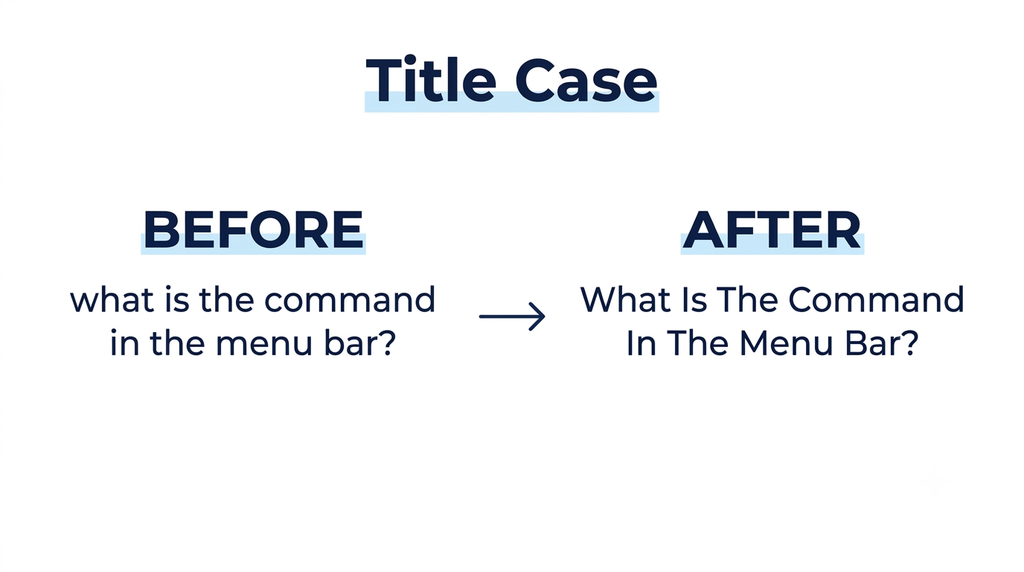
- Before:
what is the command in the menu bar to change text to title case? - After:
What Is The Command In The Menu Bar To Change Text To Title Case?
Steps to Change Text to Title Case in Microsoft Word
In Microsoft Word, use the following steps:
- Select the text you want to change.
- Click the Home tab.
- Locate the Font group.
- Click Change Case (Aa).
- Select Capitalize Each Word.
Word will capitalize the first letter of each word in the selected text. You can also press Shift + F3 repeatedly to cycle through supported capitalization formats. https://support.microsoft.com/en-au/word/change-the-capitalization-or-case-of-text
Difference Between Title Case and Other Text Cases
| Text case | Example |
|---|---|
| Sentence case | What is the command in the menu bar? |
| lowercase | what is the command in the menu bar? |
| UPPERCASE | WHAT IS THE COMMAND IN THE MENU BAR? |
| Title Case | What Is The Command In The Menu Bar? |

Conclusion
The menu command to change text to Title Case depends on the word-processing application. In Google Docs, use Format → Text → Capitalization → Title Case. In Microsoft Word, use Home → Change Case → Capitalize Each Word. These options help users format text quickly and maintain consistent capitalization throughout their documents.


